
Digital marketing isn’t just about driving traffic – knowing how well your marketing budget is performing can help you make better decisions, whether you have a small business, an eCommerce store, are a freelancer or have a marketing team.
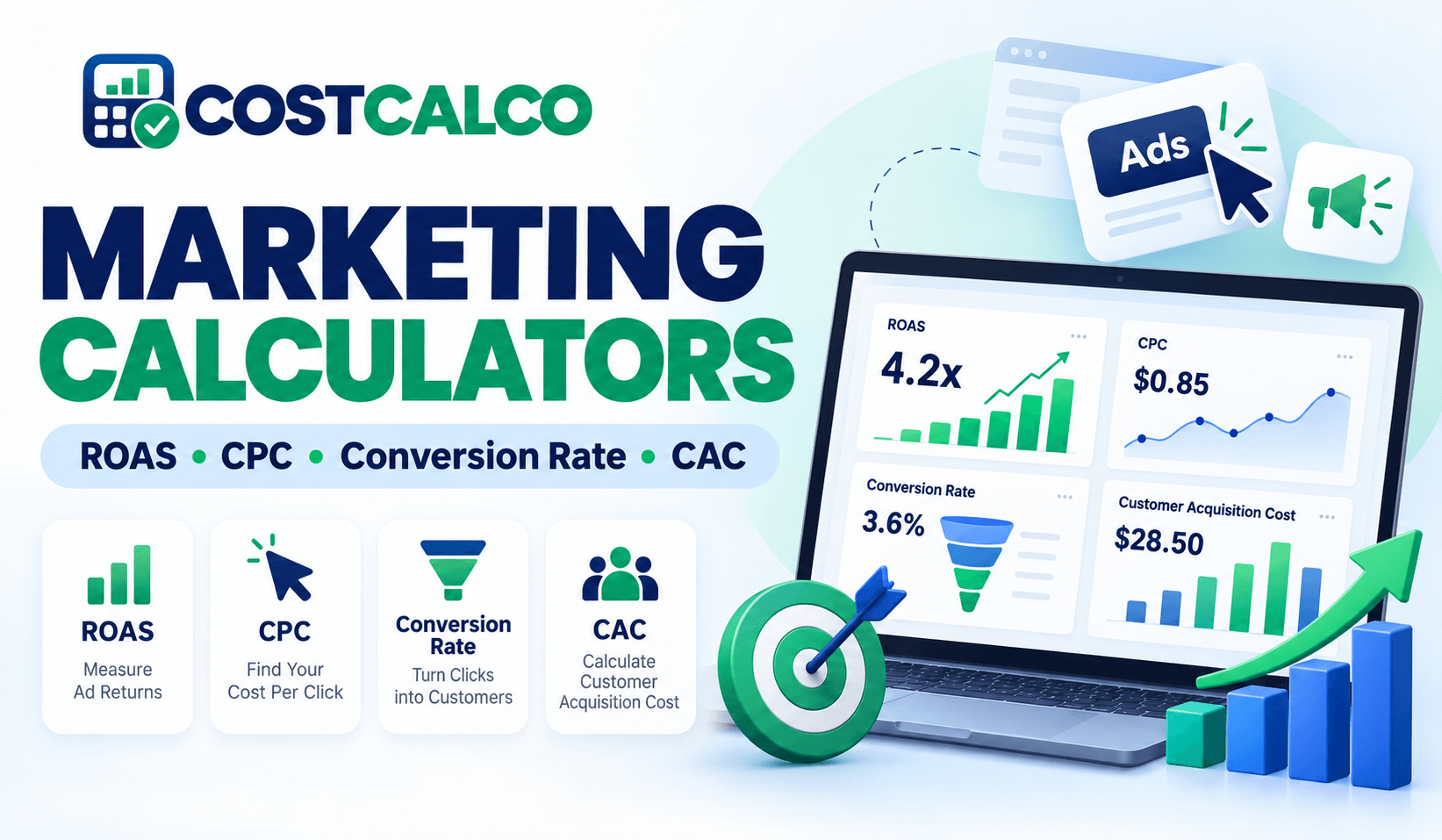
Marketing calculators will help you track the performance of your marketing. They will help you see how well you’re doing with your campaigns using tools like ROAS, CPC, Conversion Rate and CAC.
In this article we’ll show you how the marketing calculators work and why they are useful to help you improve your digital marketing.
What are Marketing Calculators?
Marketing calculators are an online tool to help businesses calculate key advertising and marketing metrics. By simply plugging in some numbers around your advertising spend, clicks, conversions, revenue and new customers, the marketing calculator will quickly give you an answer.
They can be very useful to help you see how your paid advertising is performing, allow you to compare different marketing channels, set budgets and identify areas to improve profitability.
For example, if you’re using Google Ads and Meta Ads, the marketing calculators can help you see how much your campaigns are costing you, which are generating more revenue and how much you are getting for your advertising spend.
CostCalco will help you with your daily calculations and help you to make data-driven decisions.
1. ROAS Calculator – How much revenue are you making per advertising spend?
ROAS stands for Return On Ad Spend and is one of the most useful metrics to know when looking at paid advertising.
ROAS Formula
ROAS = Revenue Generated from Ads / Advertising Spend
Multiply by 100 to get a percentage.
Example
Let’s say you’ve spent ₹20,000 on a Google Ads campaign but generated ₹80,000 in attributed revenue.
ROAS = ₹80,000 / ₹20,000 = 4
Your ROAS is 4:1. This means you’re getting ₹4 of revenue for every ₹1 you spent on advertising.
Using ROAS Calculator
ROAS calculators will help you:
Compare the performance of your advertising campaigns.
See which campaigns are generating the most revenue.
See how your advertising budgets are performing.
Set targets for your campaigns.
Help decide if your advertising strategy is heading in the right direction.
Just because you have a high ROAS doesn’t mean you’re making a profit. You need to consider how much you’re spending on products, shipping, salaries, agency fees, taxes and more. The break even point will depend on your profit margins and what you’re excluding from the advertising spend.
Best For: eCommerce businesses, Google Ads Managers, Meta Ads Specialists and businesses looking to track advertising success by revenue.
2. CPC Calculator – How much are you paying per click?
Cost Per Click helps you see how much you’re paying on average for each click. This is useful if you’re looking to drive traffic, leads or interest for your product.
CPC Formula
CPC = Total Advertising Spend / Total Clicks
Example
Let’s say you’ve spent ₹6,000 on your paid advertising and received 1,500 clicks.
CPC = ₹6,000 / 1,500 = ₹4
This means you’re getting an average of ₹4 per click.
Using CPC Calculator
CPC calculators will help you:
See what you’re paying on average to drive traffic.
Compare how your advertising is performing across different platforms.
See how much you’re paying for keywords.
Estimate how many clicks you’ll get for your budget.
Identify areas to improve your ads.
The lower your CPC the more traffic you can get for the same budget. However, this doesn’t always mean you’re getting better results. You may be getting a higher CPC but more qualified leads or valuable customers.
Paying ₹8 per click for people who often buy could be more effective than paying ₹3 per click for people who aren’t converting.
Try to look at your conversion rate, CAC and revenue to see if your traffic is of a good quality.
Best For: PPC Specialists, Small Businesses, Affiliate Marketers and advertisers using Google Ads or Meta Ads.
3. Conversion Rate Calculator – How well are you converting?
Having traffic to your website won’t matter unless they’re helping you achieve something. This could be completing a purchase, filling in a contact form, signing up to your newsletter, booking a consultation or downloading a resource.
Conversion Rate helps you see how many people are completing an action.
Conversion Rate Formula
Conversion Rate = (Number of Conversions / Total Visits or Interactions) x 100
You should ensure you’re dividing by the correct number. For example if you want to know how many conversions you’re getting per session, visit or click you should divide by those. Don’t mix up your numbers.
Example
If you had 5,000 visits to your landing page and 200 lead forms filled in.
Conversion Rate = (200 / 5,000) x 100 = 4%__
You would have a 4% conversion rate.
Using Conversion Rate Calculator
Conversion Rate calculators will help you:
See how well your landing page is performing.
See how well your call to actions are working.
Compare how different marketing campaigns are performing.
Identify issues.
See improvements after making changes.
If you’re getting lots of traffic but not many leads then it could be due to your page speed, unclear messaging, poor call to actions, poor mobile experience or your offer is not matching expectations.
Trying different headlines, simplifying forms, improving page speed and increasing trust signals can help improve your conversion rate.
Keep in mind that conversion rates will vary depending on your industry, traffic source, audience and what you’re asking them to do. Try to compare your results to previous performance.
Best For: Website Owners, eCommerce Businesses, Lead Generation Companies and Digital Marketing Agencies.
4. Customer Acquisition Cost Calculator – How much is it costing you to get a new customer?
Customer Acquisition Cost helps you see how much it’s costing you on average to gain a new customer. Unlike CPC, it takes into consideration how much you’re spending to turn prospects into customers.
Businesses will use this to see how efficient their marketing is, what they’re spending to gain customers and if their growth is sustainable.
CAC Formula
CAC = Total Acquisition Costs / Number of New Customers
Depending on what you want to track, your acquisition costs could range from advertising, marketing software, agency fees, campaign creation and sales. Ensure you’re using the same numbers and timeframe.
Example
If you spent ₹60,000 on your marketing and sales in a month and gained 120 new customers.
CAC = ₹60,000 / 120 = ₹500
This means it costs you on average ₹500 to gain a new customer.
Using CAC Calculator
CAC calculators will help you:
See how much it costs you to gain new customers.
Compare how efficient you are at gaining customers across different marketing channels.
See if your customer growth is sustainable.
Set realistic budgets to gain customers.
Compare your costs to customer lifetime value.
If you have a CAC of ₹500 but they’re only bringing in ₹400 contribution profit over their lifetime then your strategy may not be sustainable. However, if they’re bringing in a lot more contribution profit over time it could be a better option.
Also remember there is a difference between your paid advertising CAC and full CAC.
Best For: Subscription Businesses, SaaS Companies, eCommerce Stores, Service Providers and businesses investing in customer acquisition.
How the Marketing Calculators Work Together
Each of the marketing calculators looks at a different stage of your marketing funnel. Using them together will give you a more complete picture.
Let’s say you have the following results:
| Advertising Spend | ₹20,000 |
| Clicks | 2,000 |
| Conversions | 100 |
| New Customers | 40 |
| Revenue | ₹80,000 |
Your results would be:
CPC = ₹20,000 / 2,000 = ₹10 per click.
Conversion Rate = 100 ÷ 2,000 × 100 = 5%. Assuming your 2,000 clicks are the denominator.
ROAS = ₹80,000 / ₹20,000 = 4:1.
Customer Acquisition Cost (just advertising) = ₹20,000 / 40 = ₹500.
Note – this is just advertising and does not take into consideration any other marketing or sales costs.
This will help you understand how much it costs to bring in traffic, how many are converting, how much revenue you’re getting from your advertising and how much you’re spending on advertising to gain customers.
Tips to Get the Best from Marketing Calculators
Use accurate data – Ensure your data comes from accurate analytics and advertising platforms.
Use the same time frame – To compare your results use the same time frame, weekly, monthly or quarterly.
Use meaningful conversions – Track conversions that matter. Don’t just track clicks but leads, qualified leads and paying customers.
Compare similar campaigns – Ensure you’re comparing similar campaigns. Different audiences, channels, offers and conversions could affect your results.
Don’t just look at one metric – Just because you have a low CPC or high ROAS doesn’t mean you’re making a profit.
Monitor regularly – See how your performance is trending. If you see any major changes investigate.
Ensure you’re using the right costs – Ensure you’re using the same definition for your costs.
While marketing calculators can give you a good indication of your performance they shouldn’t replace good attribution, accurate tracking and understanding your business economics.
Conclusion
Marketing calculators can help you understand how your advertising is performing and make informed decisions on your marketing budget. The ROAS calculator will help you see how much revenue you’re getting from your advertising. The CPC calculator will show you how much you’re paying per click. The Conversion Rate calculator will show you how well you’re converting your visitors and the CAC calculator will show you how much it costs to gain new customers.
Using these together will help businesses understand if they have any inefficient campaigns, improve their landing pages, understand their customer acquisition costs and make better decisions.
Whether you’re a freelancer, small business owner, PPC Specialist or eCommerce Entrepreneur, head to CostCalco and use the relevant calculators to make your calculations easier and make more data driven decisions.
FAQs
1. What are marketing calculators?
Marketing calculators are online tools that help calculate your advertising and business performance. They can calculate your ROAS, CPC, Conversion Rate and CAC.
2. What is a good ROAS for digital marketing?
It depends on your profit margins, costs to run and business model. A 4:1 ROAS means you’re getting ₹4 of attributed revenue for every ₹1 you spend on advertising. However this doesn’t take into consideration all of your costs.
3. How do I calculate my cost per click?
Divide your total advertising spend by the total number of clicks. For example if you spend ₹5,000 and get 1,000 clicks your average cost per click is ₹5.
4. What is a good conversion rate for my website?
There is no one ‘perfect’ conversion rate. It depends on your industry, traffic source, audience, offer and what you’re asking them to do. Compare against previous data and similar campaigns.
5. How do I calculate my conversion rate?
Divide the number of conversions by the number of visitors/sessions/interactions you had. Multiply by 100. If you had 50 conversions from 1,000 visits then your conversion rate is 5%.
6. What is customer acquisition cost?
Customer Acquisition Cost is how much it costs on average to gain a new customer. This could include advertising, marketing, software, agency and sales costs.
7. What is the difference between CPC and CAC?
CPC shows you how much you’re paying on average per click of advertising. CAC shows you how much it costs to gain a new customer. Not all clicks will result in a lead or sale.
8. Can I use these calculators for Google Ads and Meta Ads?
Yes! You can use these to see how your campaigns are performing on Google Ads, Facebook, Instagram and other advertising platforms. Just ensure you’re using accurate data.
9. Why am I getting a high ROAS but not making a profit?
A high ROAS doesn’t take into consideration all of your costs. You may be spending a lot on products, shipping, salaries, platform fees, returns, taxes and more which could reduce your profits.
10. Are online marketing calculators useful for small businesses?
Yes! They will help you understand how much your campaigns are costing, compare your marketing performance, understand your customer acquisition costs and make decisions on your budget.