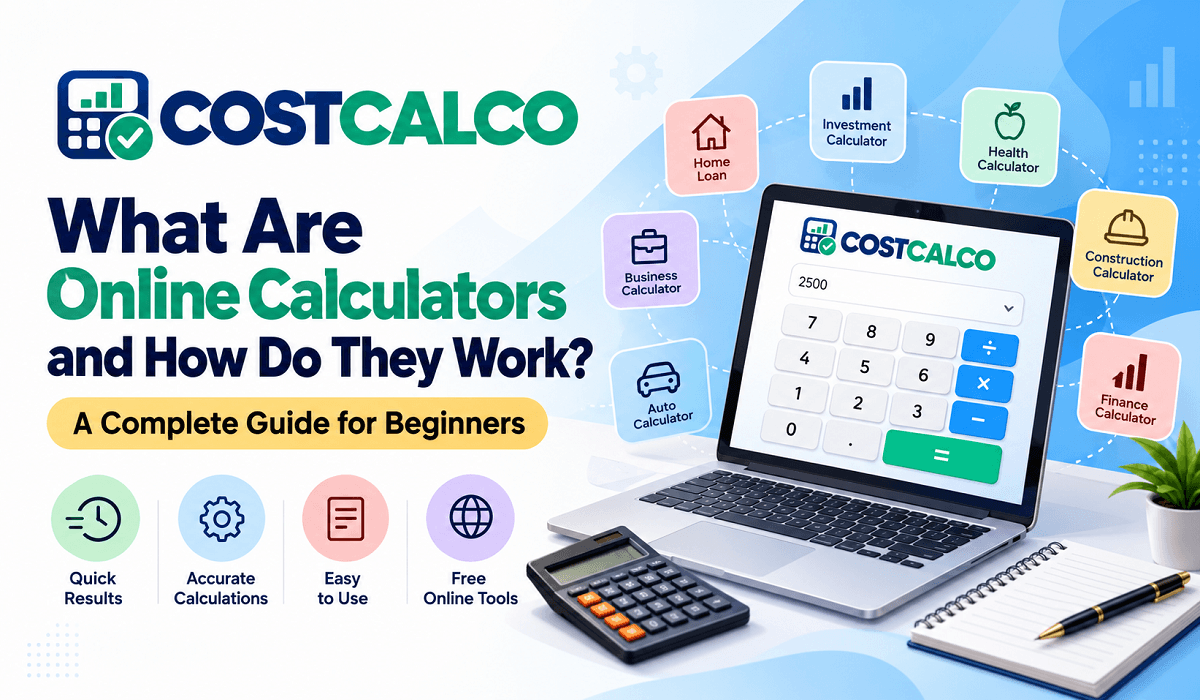

Online calculators are great for quickly carrying out calculations. Whether you are looking to calculate percentages, loan payments, shipping costs, building materials or planning your business budget – there is likely to be a calculator online to help.
Online calculators can be very useful for individuals or businesses in the USA, UK, Canada and Australia. Simply enter a few details and you’ll get instant results to help manage your personal finances, compare prices, plan your project and make informed decisions.
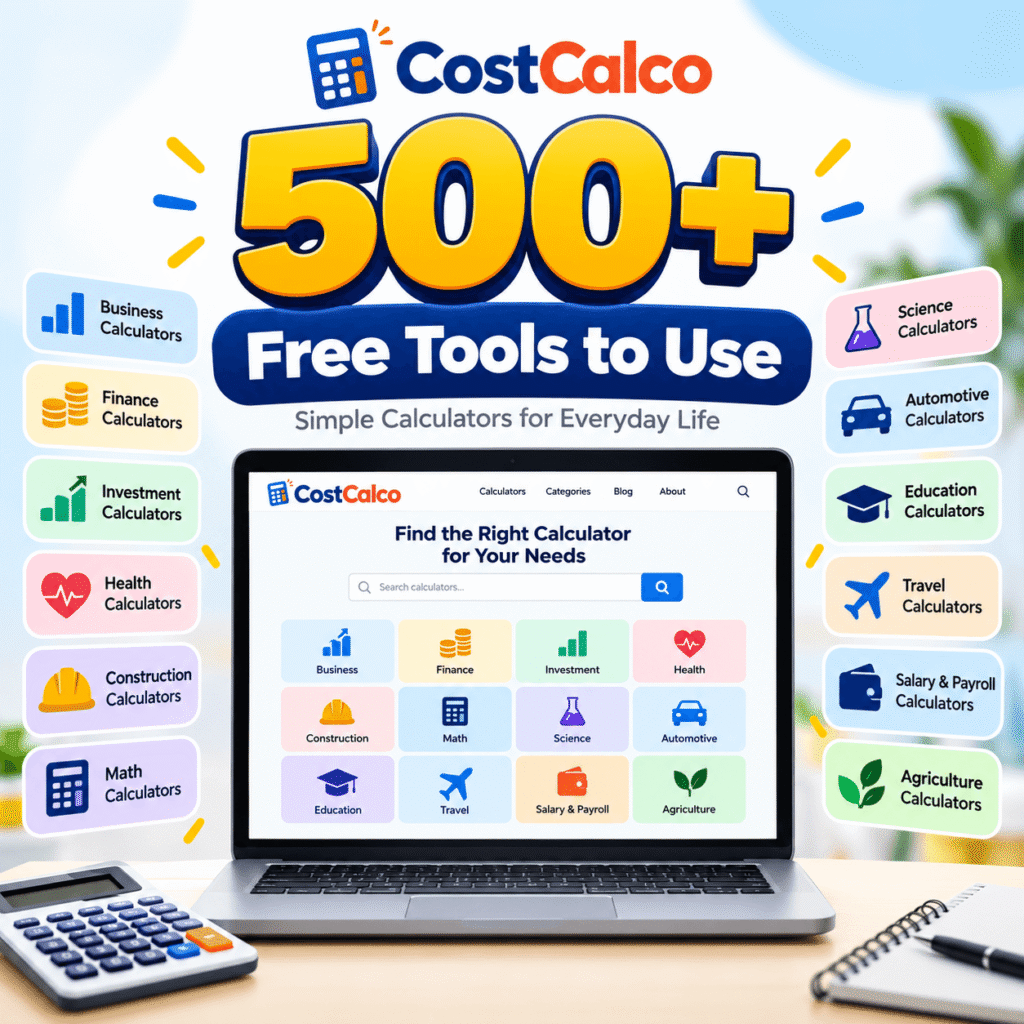
Sites like CostCalco will give you the opportunity to try different calculators.
In this guide we will show you how to use online calculators. We will also give you examples and tips for getting accurate results.
What Is An Online Calculator?
An online calculator is simply a calculator that can be used online. Most calculators can be used in your browser without needing to download anything.
- Depending on what you need, you may be able to:
- Calculate percentages, averages, ratios and more.
- Calculate monthly loan payments, interest, savings and budgets.
- Calculate business profit, return on marketing and business costs.
- Calculate shipping costs and volumetric weight.
- Calculate building materials, room size and project estimates.
Calculate health and fitness – such as BMI and estimated calorie requirements.
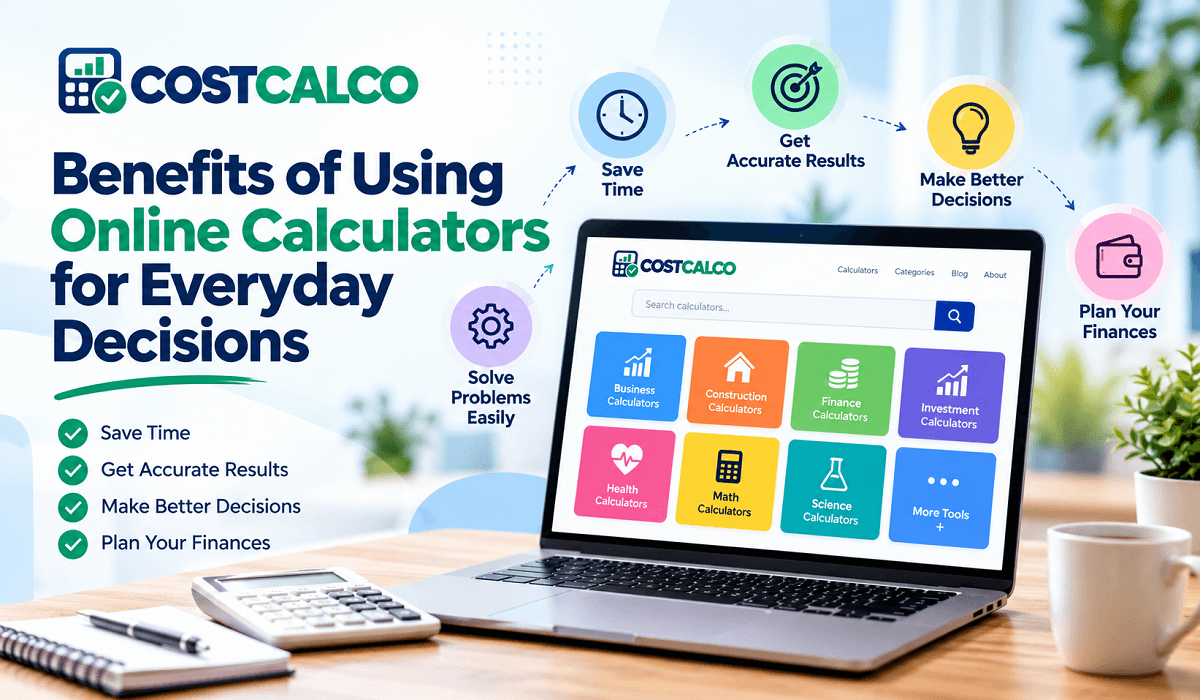
The main benefit of using an online calculator is you can use it at anytime on your computer, tablet or smartphone device.
How To Use An Online Calculator
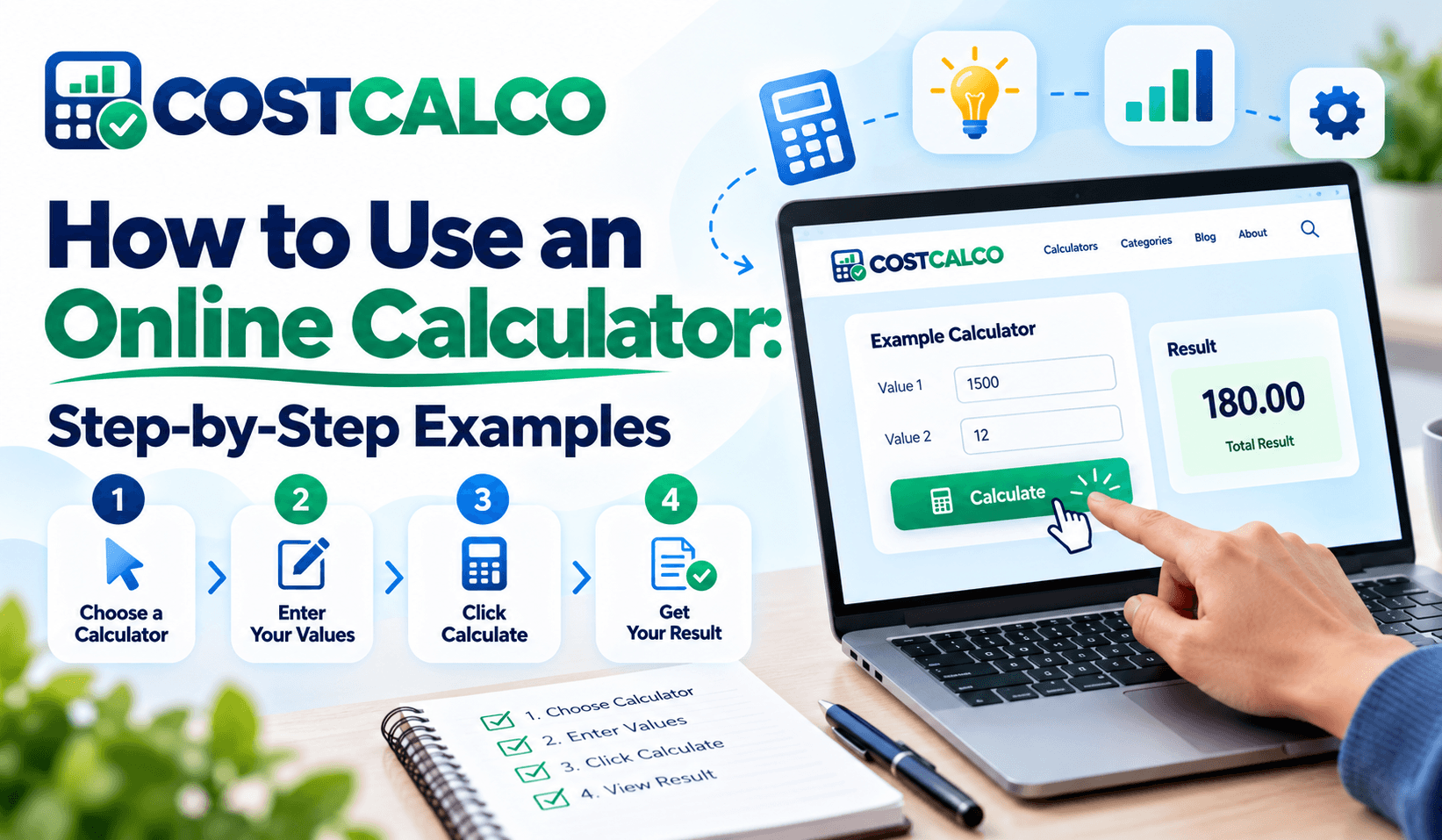
Whilst there are many different calculators, they are usually quite similar to use.
Identify What You Need To Calculate
Firstly, identify what you need to calculate. This will help you pick the correct calculator.
If you are looking to calculate:
- How much you are saving in a sale – Use a discount calculator.
- Estimate your monthly loan payments – Use a loan calculator.
- Calculate how much materials you need for your garden – Use a mulch calculator.
- See how your advertising is performing – Use a ROAS Calculator.
- Estimate the cost to deliver your item – Use a shipping calculator.
Go to CostCalco and pick the calculator relevant to your needs.
Choose The Correct Calculator
It is important to ensure you are using the correct calculator. Different calculators use different formulas.
For example, whilst you can calculate discount using a percentage calculator – you may not get a full breakdown for your business profit margin. Simple interest vs compound interest calculators will give different results.
Before entering any information, ensure you read what the calculator is called and what it is for. If you are unsure which calculator to use – look for something that has been specifically designed for your needs.
Enter The Information
Depending on what you are calculating you may need to enter some information.
For example, if using a loan calculator you may need to enter the loan amount, interest rate and repayment period. If using a building calculator you may need to enter the length, width and depth.
Ensure you are entering the correct units and values.
Enter The Values
Enter your numbers into the relevant boxes. Take care to ensure you are using the correct decimal points, percentages, currency symbols and units.
For example, if the product costs $80 with a 20% discount – enter 80 for the original price and 20 for the discount.
Do not add extra zeros and ensure you are using the correct percentage. If the box requires the percentage, entering 20 (instead of 0.20) is correct.
Review Your Entries
Before hitting calculate, double check you have entered everything correctly.
Have I entered the correct original amount?
- Is my interest rate monthly or yearly?
- Have I chosen the correct currency?
- Are my measurements in the correct units?
- Have I entered the correct amount of months/years?
- Hit calculate (or submit or whatever the button says).
Understand The Results
Most calculators will give you a result straight away. Some will show you a breakdown.
Take time to read the result. This could be a total cost, monthly payment, percentage change, estimated amount or profit margin.
Remember that your results are only as accurate as the information you have entered and assumptions made. Estimates may not reflect the actual cost due to tax, fees, price changes etc.
Examples Of How To Use Online Calculators
Let’s take a look at some examples of how you can use online calculators.
Example 1 – Calculate A Discount On Shopping
Let’s say you want to purchase a jacket costing $120 with a 25% discount.
Open a discount calculator.
Enter the original price of $120.
Enter the discount percentage of 25%.
Calculate.
Discount: $120 × 25% = $30
Total cost: $120 − $30 = $90.
This is how much you would save $30 and pay $90 (before any applicable tax or charges). This is a great way to compare offers in the USA, UK, Canada and Australia. However, the actual cost may include local tax.
Example 2 – Calculate A Percentage Increase
Your monthly internet bill has increased to $50 to $60.
- Calculate the percentage increase.
- Open a percentage change calculator.
- Enter the original amount of $50.
- Enter the new amount of $60.
- Calculate the percentage change.
Percentage increase = ((New value – Original value) / Original value) x 100
= (($60 − $50) / $50) x 100
= 20%.
Your bill has increased by 20%.
This is a great way to see how much prices have changed, compare costs and track business costs.
Example 3 – Calculate Monthly Loan Payments
You want to borrow $10,000 with an annual interest rate of 6% over 3 years. Assuming it is a fixed rate loan with monthly payments and no additional fees.
- Open a loan repayment calculator.
- Enter the loan amount of $10,000.
- Enter the annual interest rate of 6%.
- Enter the repayment period of 3 years.
- Select monthly payments and calculate.
Using a standard fixed rate loan repayment formula, this would equal approximately $304.22 per month.
This would equal approximately $10,952, including about $952 in interest over 36 monthly payments.
Your estimated monthly payment would be $304.22.
This can vary depending on the lender fees, repayment periods, rate conditions and loan product. Ensure you use the official repayment schedule from your lender.
Example 4 – Calculate Return On Advertising For Your Business
You have spent $2,000 on advertising and generates $8,000 on advertising with your online shop generating this amount of revenue.
Calculate your return on ad spend (ROAS).
Open a ROAS calculator.
Enter the advertising revenue of $8,000.
Enter the advertising cost of $2,000.
Calculate.
ROAS = Advertising Revenue / Advertising Cost
= $8,000 ÷ $2,000
= 4.
Your ROAS is 4:1 – meaning you have generated $120 − $0__1 for every $ you have spent on advertising. However, ROAS is not the same as profit. You will also need to consider the cost of products, shipping, returns, platform fees etc.
Example 5 – Calculate Mulch For Your Garden
You want to mulch your rectangular garden that is 20ft long and 10ft wide. You want to mulch 3in deep.
- Open a mulch calculator.
- Enter the length of 20ft.
- Enter the width of 10ft.
- Enter the depth of 3in.
Calculate.
- Area = $120 − $1__ft².
- Convert 3in to feet.
- $120 − $2__ft.
- Volume = $120 − $3__ft³.
- Convert to yards.
- $120 − $4__yd³.
You would need approximately 1.85 cubic yards of mulch.
You may want to purchase around 2 cubic yards of mulch – depending on how much it settles, uneven ground and delivery requirements. In other countries check if the calculator can use metric measurements. Also check if your suppliers sell in cubic metres.
Common Mistakes To Avoid
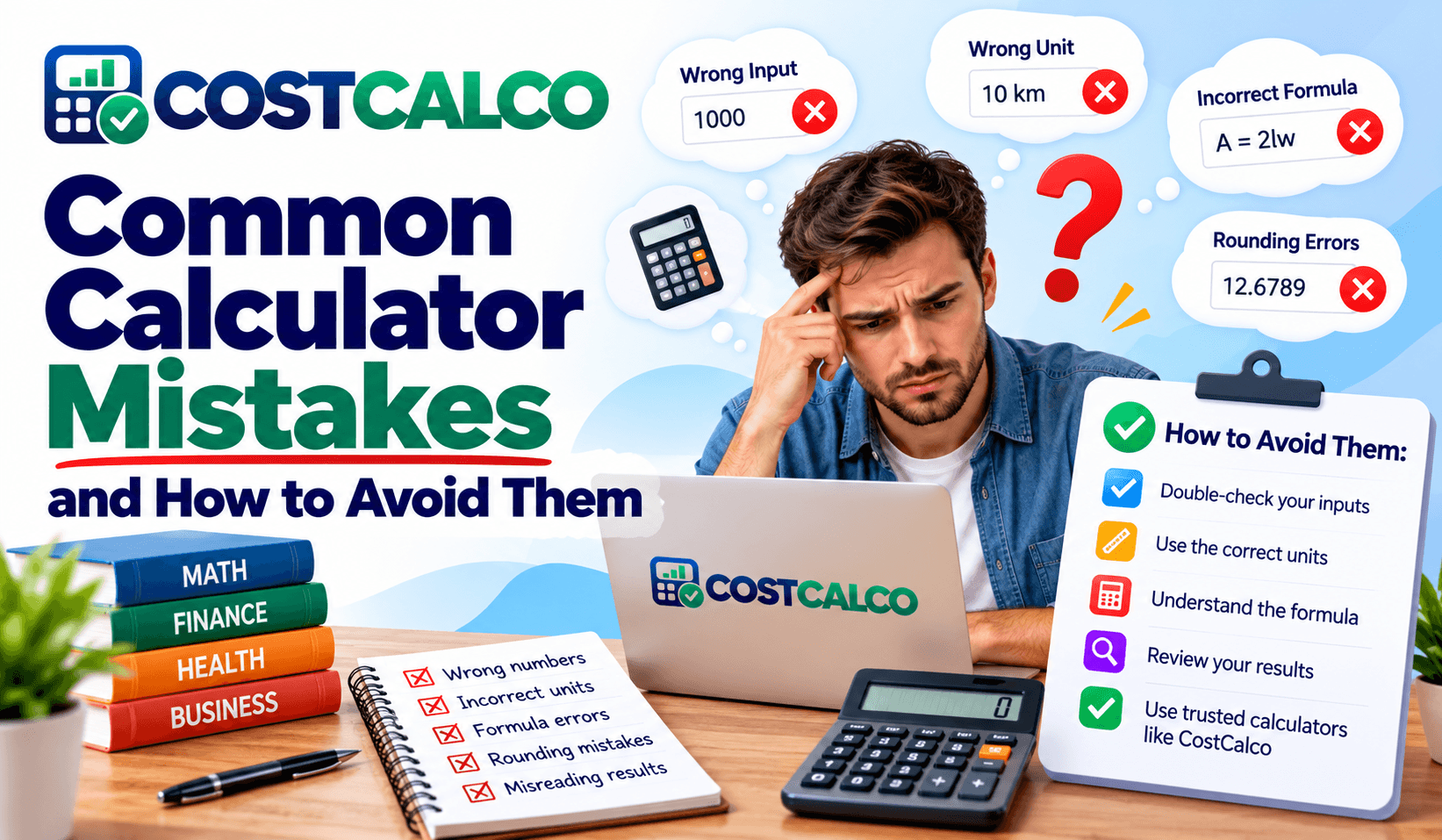
Even if you use a good calculator, you can get misleading results if you enter the wrong information.
Wrong Calculator
Ensure you are using the correct calculator for your needs. A simple interest calculator will not give the same results as a compound interest calculator.
Incorrect Values Entered
Entering the wrong decimal place or extra zeros can really affect your answer. Double check everything before calculating.
Units
Check if you need to use inches, feet, metres, kg, lbs or other units. Convert if needed.
Confusing Percentages And Decimals
5% equals 0.05. Know what format you need to use.
Assuming The Results Are Accurate
Depending on what you are calculating (building costs, shipping, tax, loan repayments etc.) there may be extra variables. Remember the results are just estimates.
Currency & Regional Differences
Depending on where you are in the USA, UK, Canada and Australia you may be using different currencies, tax, units and financial rules. Choose the correct currency.
Tips For Getting Accurate Results
To get the best results from your calculator:
Read the instructions.
Use accurate information – Prices, interest rates, measurements etc.
Check the formula.
If you are calculating something important, double check the results using an independent calculator or official provider.
Use the correct units.
Keep a record of important results.
Do not enter personal information – Do not enter account numbers, passwords etc. if you do not need to.
Why Use CostCalco?
CostCalco can help you find practical calculators for your needs. You won’t have to carry out every calculation manually.
Depending on what you need you can use online calculators to:
- Manage your personal finances.
- Calculate business costs, profit margins and advertising.
- Calculate building materials.
- Solve percentage, ratios etc.
- Calculate package measurements and shipping costs.
- Calculate specific fitness measurements.
It is especially useful if you are in the USA, UK, Canada or Australia. Ensure the calculator uses the correct currency, units and assumptions.
Look through CostCalco to find a calculator that suits your needs. Enter your information carefully and use the results to make more informed decisions.
Conclusion
Using online calculators is easy. All you need to do is identify what you need to calculate, choose the correct calculator, enter the information, make sure you have entered it correctly and review the results.
Whether you are trying to calculate discounts, track your household spending, estimate loan payments, calculate building materials or see how your advertising is doing – online calculators can save you time.
Just remember to understand what the results mean and know there may be limitations. If you are making an important decision regarding finances, building or business – double check the assumptions. Consider any extra costs.
Using practical calculators from CostCalco can help make everyday calculations easier.
FAQs
1. What is an online calculator?
An online calculator is a tool that can be used online to calculate mathematical or specialised calculations. They can help you calculate percentages, loan payments, building materials, business calculations and more.
2. How do I use an online calculator?
Pick a calculator that suits your needs. Enter the information you need. Make sure you are using the correct units and double check your entries. Hit calculate and make sure the results answer your question.
3. Are online calculators free to use?
Many online calculators are free to use. CostCalco will give you access to practical calculator tools.
4. Are online calculators accurate?
If using the correct information and formulas, calculators can give accurate mathematical results. However, estimates may not include tax, fees, price changes etc.
5. Can I use online calculators on my mobile phone?
Yes! Most calculators can be accessed via your smartphone, tablet and desktop. Having a mobile friendly calculator can make it easier to calculate costs and percentages whilst shopping, travelling or working.