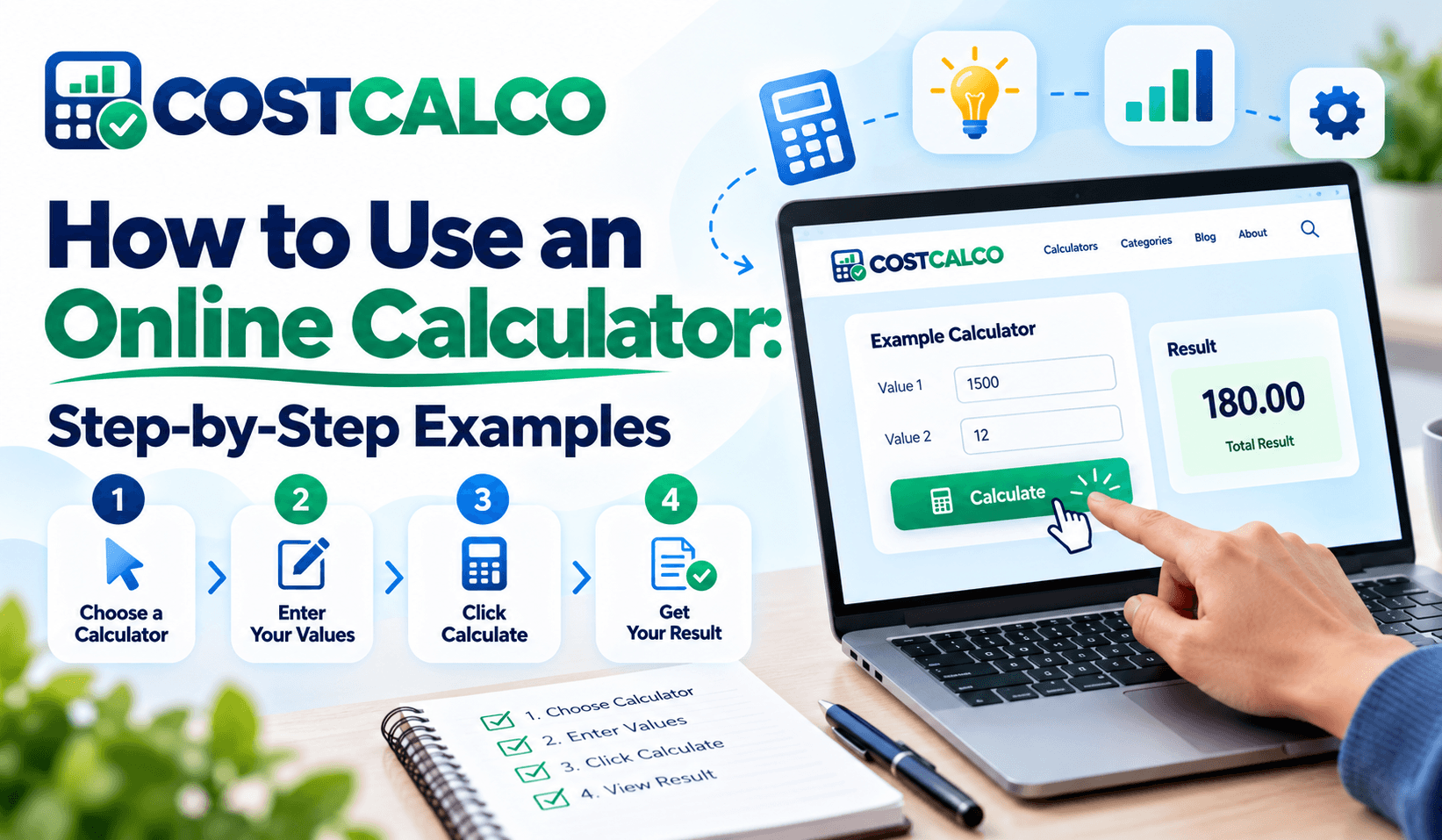

Using online calculators makes day to day calculations quicker and easier. You can calculate your household budget, business profits, shipping costs, building projects and fitness targets using the right calculator to give you accurate information for decision making.
However, if the information you have put into the calculator is incorrect or you have the wrong formula, you won’t get an accurate result. Small errors such as using the wrong percentage, incorrect units of measure or forgetting extra costs can all have an impact.
If you are using an online calculator in the USA, UK, Canada or Australia, it can be helpful to know common calculator mistakes.
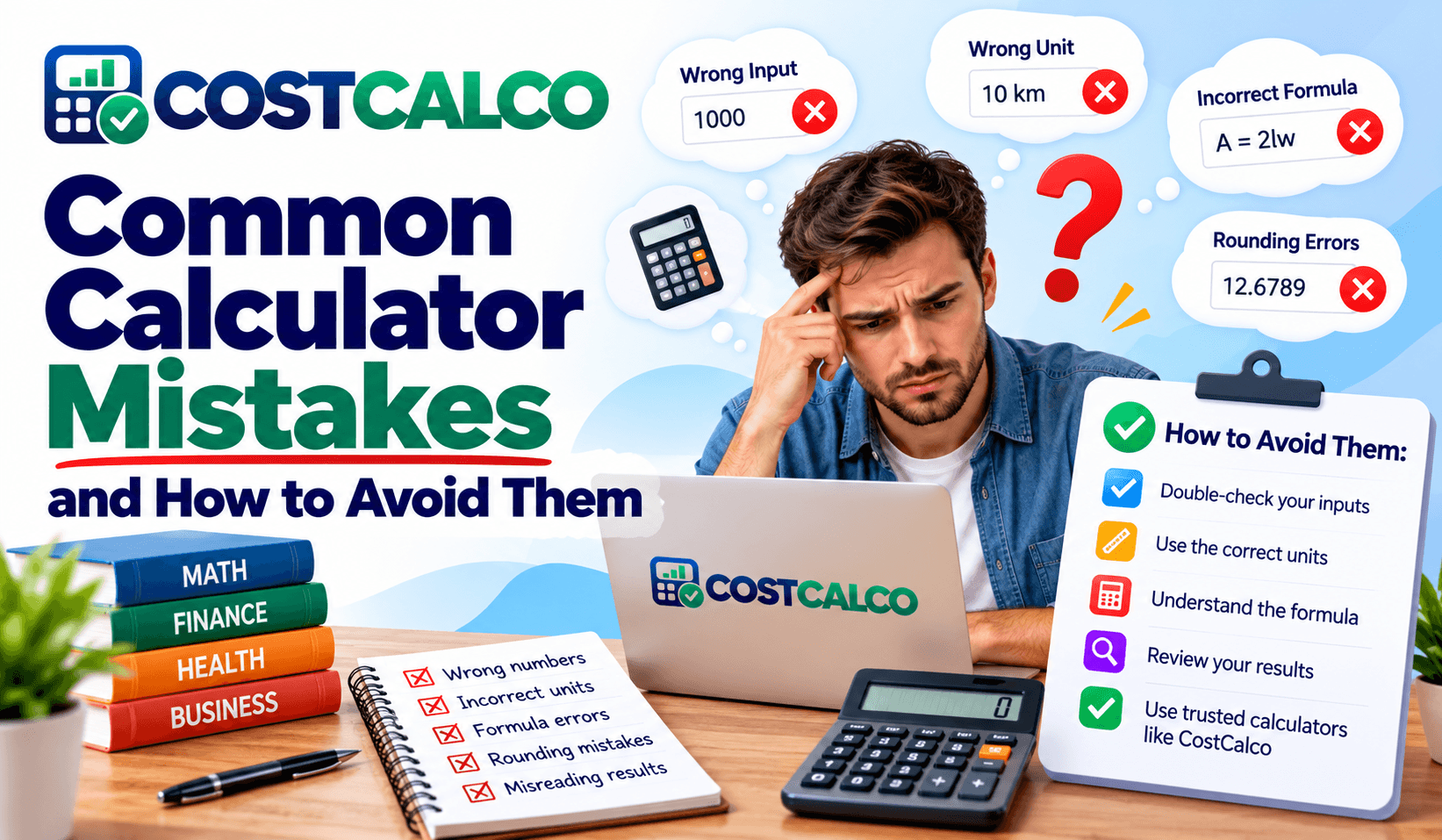
Below is a breakdown of the most common mistakes made with online calculators and how to avoid them.
1. Incorrect Number Entered
Incorrect numbers are one of the most common mistakes made with online calculators. If you put in the wrong decimal point, an extra zero or any typographical errors you could end up with completely incorrect results.
If you put in $1,500 instead of $150 for example into your monthly expenditure calculator, you could get misleading results for your yearly spending.
To avoid this:
- Double check all numbers.
- Check decimal points and negatives.
- Check large numbers are correct to your documentation.
- Check your result makes sense.
By double checking your inputs, business owners, freelancers and households can avoid financial confusion.
2. Incorrect Unit of Measure
Errors can often occur when measuring in construction, engineering, fitness and home improvement.
The USA often uses inches, feet, pounds and gallons. The UK, Canada and Australia often use metric measures but sometimes imperial measures.
Putting in the room measurements in centimetres when your calculator asks for metres can cause problems with getting an accurate area. Confusion can also occur with putting in kilograms instead of pounds.
To avoid this:
- Check what unit the calculator asks for.
- Convert your measurements if needed.
- Check if the calculator will give a metric or imperial result.
- Use a unit converter calculator.
CostCalco users can avoid errors by carefully checking units when using calculators to calculate room measurements, flooring, roofing, water flow etc.
3. Percentage Confusion
Percentages can be found in many areas such as discounts, taxes, interest rates, marketing performance, profit margins and investments. Confusing percentages can cause errors.
For example, 15% is equal to 0.15 not 15.
If a product costs $200 and there is a 15% discount:
Discount = $200 × 0.15 = $30
Final Price = $200 − $30 = $170
Putting in 15 instead of 0.15 into your calculator can cause unrealistic results.
To avoid this:
- Carefully read the input instructions.
- Check if it asks for 15 or 0.15.
- Check if the result is a percentage, decimal or currency.
- Double check percentage calculations.
4. Incorrect Calculator Used
Using the wrong calculator can cause misleading results. Some calculators use different formulas to solve your question.
Gross profit margin calculators and markup calculators are different. They both involve profit and cost but have different formulas to show you how profitable you are.
If a product costs $60 and sells for $100:
Profit = $40
Profit Margin = ($40 ÷ $100) x 100 = 40% =
Markup = ($40 ÷ $60) x 100 = 66.67% =
Confusing the two percentages can affect how much you charge for your product and how profitable your business is.
To avoid this:
- Know exactly what you want to calculate.
- Use a calculator with the right formula.
- Read the description and instructions.
- Understand the difference between similar measurements.
CostCalco provides a range of calculators to help you calculate different practical calculations.
5. Extra Costs Forgotten
Many calculations can give you inaccurate results if you don’t take into account extra costs.
For example, if you are trying to work out how much something will cost online and only take into account the price of the product you could forget to add the shipping costs, taxes, customs and service fees.
When calculating your construction costs you could only take into account the cost of materials but forget about labour, equipment hire, delivery and wastage.
To avoid this:
- List all your costs.
- Take into account taxes, fees, delivery and labour.
- Take into account material wastage and unexpected costs.
- Split your costs into fixed and variable.
Depending on your project and location, your costs will vary. When purchasing in the USA, UK, Canada or Australia make sure to check what taxes and fees apply in your area.
6. Currency Confusion
People who shop internationally, freelance, run a business or travel can encounter currency errors.
For example, $1,000 in US dollars is not equivalent to $1,000 in Canadian/Australian currency. The $ symbol can be used for many different currencies so if you don’t check which currency you are using you could get confused.
Exchange rates also change.
To avoid this:
Make sure to check the currency.
Make sure to know the difference between USD, CAD and AUD when working internationally.
- Check if you need to use an exchange rate.
- Use the current exchange rate.
- Take into consideration any fees.
If you run a business selling in multiple countries it is important to keep the currency consistent so you can accurately compare your revenue, costs and profits.
7. Out of Date Tax/Interest Rates
Some calculations require up to date information. This can include tax rates, interest rates, inflation rates and exchange rates.
Even if your calculator does the calculation correctly you could still get an inaccurate result as the information you have put in could be out of date or the calculator could be using out of date assumptions.
If you are calculating your loan repayments and your interest rate is incorrect this could cause a big difference in how much you should be paying back.
To avoid this:
- Check when the rate was last updated.
- Use up to date information from official government/financial sources.
- Check which tax year and area applies.
- Check your loan details with your lender.
- Remember these are just estimates.
Tax laws vary between the USA, UK, Canada and Australia so always check which country’s laws apply.
8. Rounding Errors
Many calculators will round the numbers for you but if you round too early you could get inaccurate results.
For example, rounding all the numbers in your calculation could give you a slightly different total.
Rounding can also cause issues when calculating material amounts, unit prices, percentages and interest.
To avoid this:
- Try to keep all numbers in full until the end.
- Only round the final answer (if the formula doesn’t ask for rounding).
- Follow rounding rules for your financial/measurement.
- Check if it has been rounded to 2 decimal places or more.
Your final amount could vary slightly due to rounding rules, fees and how they calculate the amount.
9. Not Including Timeframe
Many financial calculators will require you to put in a timeframe. If you put in a monthly interest rate when it asks for an annual rate or mix up your weekly earnings and annual costs you could get misleading results.
For example, if you earn $800 per week does not mean your monthly income is $3,200 per month. If you use a simple calculation you would get $3,200 but if you annualise this you would need to use 52 weeks:
Annual Income = $200 × 0.15 = $0__41,600
Average Monthly Income = $200 × 0.15 = $1__3,466.67
This can be useful when budgeting, comparing salaries and planning your business.
To avoid this:
- Check if the calculator asks for daily, weekly, monthly or annual.
- Convert your income and costs to match.
- Check if the interest rate is annual or not.
- Carefully read the loan/investment assumptions.
-
Trusting The Result
Don’t trust the result just because it shows up on your calculator. You could get an inaccurate result due to incorrect inputs, incorrect formula, misunderstanding assumptions or technical issues.
It is particularly important to check if you are using the calculator for medical decisions, construction, financial commitments or business decisions.
To avoid this:
- Quickly double check simple calculations.
- Compare with another reliable method.
- Check if the result makes sense.
- Read any assumptions, limitations and notes.
If the calculation has major implications consult a qualified professional.
Health calculators can give you a general idea but shouldn’t be used as a substitute for individual medical advice. Mortgage calculators can give you an idea of how much you would pay back but may not include all fees from your lender or conditions of your contract.
Top Tips For Accurate Online Calculations
There are a few simple tips you can use to ensure your online calculations are accurate.
Use the right tool – Use a calculator specific to your query.
Check your inputs – Ensure numbers, units, percentages and dates are correct.
Ensure measurements are consistent – Convert your units.
Check assumptions – Ensure rates, timeframes and costs are correct.
Know what you are calculating – Ensure you know what the final number means.
Double check important estimates – Compare with reliable sources/professionals.
CostCalco aim to make day to day calculations easier by providing practical online calculators for personal, business, construction, financial, fitness and more common calculations. By taking a moment to double check your inputs and understand what the result means you can get the most from your calculators.
Conclusion
Online calculators can be a great way to quickly calculate complex formulas to help you make better decisions. However, you can get inaccurate results if you put in the wrong information, incorrect unit conversions, percentages, outdated rates, forgotten costs and misunderstanding rounding.
To avoid this, use the right calculator, put in accurate information, check units and assumptions and double check your final result.
Whether you are calculating product discounts in the USA, shipping costs in the UK, renovations in Canada or household budgets in Australia these tips can help you avoid common mistakes.
Visit CostCalco to see our range of practical online calculators.
FAQs
1. What are the most common calculator mistakes?
Common mistakes include incorrect numbers, incorrect units, percentage confusion, using the wrong calculator, forgotten costs and outdated rates.
2. Why is my online calculator giving me the wrong result?
You may get an inaccurate result due to incorrect inputs, incorrect units, the wrong formula, missing information or outdated assumptions. Make sure to double check your inputs and instructions.
3. How can I make my online calculations more accurate?
Ensure you put in accurate information, use the right calculator, check units and timeframes, double check the formula and ensure the result makes sense.
4. Are online calculators accurate?
Online calculators can be accurate if they use the right formulas and accurate information. However, it depends on the calculator and assumptions it uses.
5. Why am I getting different results from different calculators?
Different calculators can use different formulas, rounding, default settings, tax assumptions and timeframes. Compare your inputs and assumptions.