
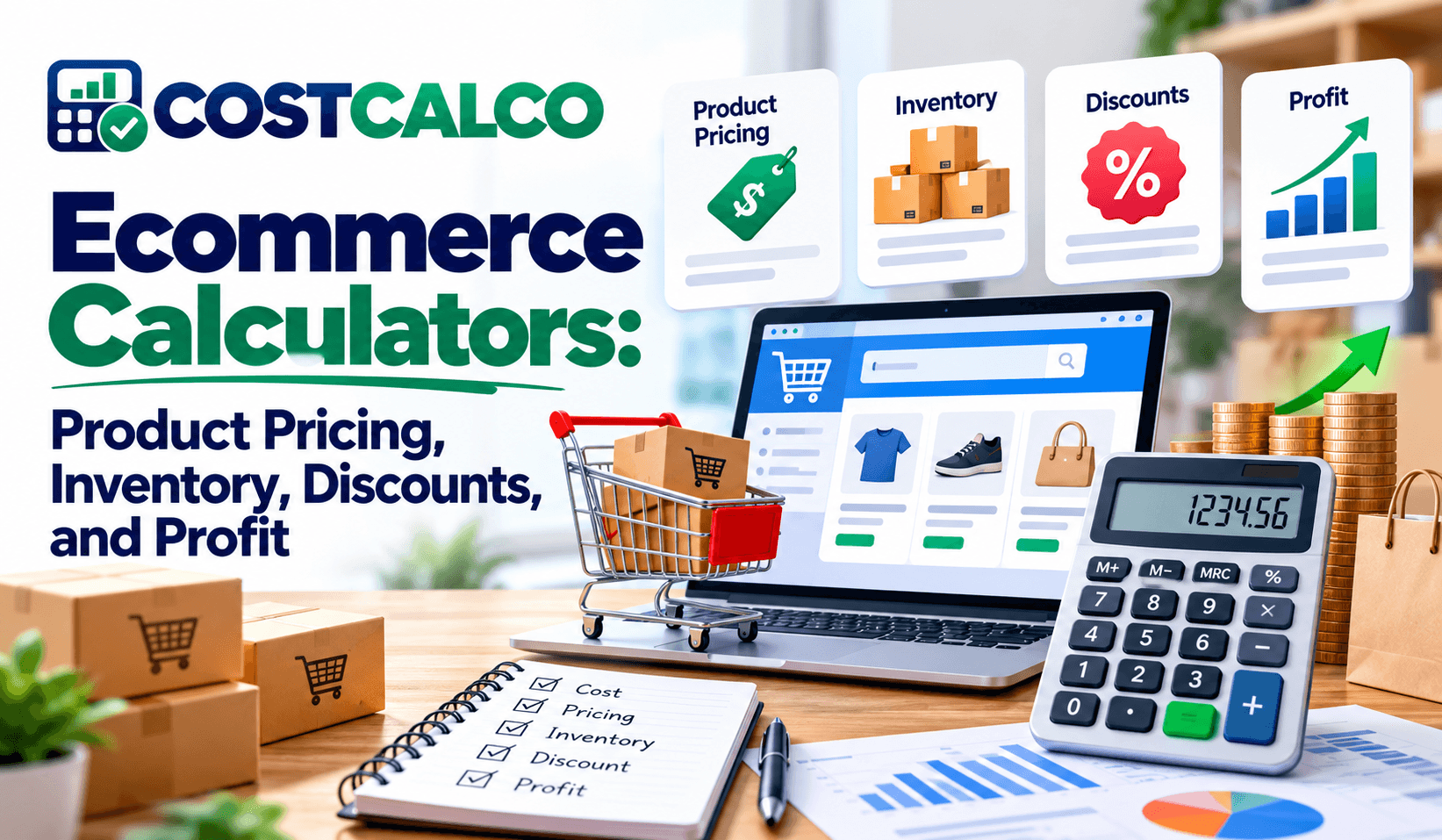
When running a successful ecommerce store, you have to do a lot more than just list your products and gain customers. You’ll need to calculate your products to ensure you’re offering competitive discounts, managing your stock, and ensuring you’re making good profits.
Using ecommerce calculators will help to give you the data you need to make informed decisions. Whether you’re running a Shopify store, WooCommerce site, Amazon marketplace, or just your own online store, calculators can make things easier!
When running an ecommerce store in the USA, UK, Canada, or Australia it is important to understand what your products really costs, understand the local currency, shipping, tax, and demand.
In this article, we’ll show you how ecommerce calculators work and what the main types of calculators are to use. We’ll also show you how to use them to better calculate your product pricing, stock levels, discounts and increase your profits.
What are Ecommerce Calculators?
Ecommerce calculators are online tools that can help online retailers calculate various aspects of their store. You can use them to determine what you should sell your products for, calculate your profit margin, what your discounted price should be, how much stock you’ll need, and how much each product is earning you.
Rather than using spreadsheets to calculate, just enter some basic information and get instant results.
Common types of calculators include:
- Product pricing calculators
- Profit margin calculators
- Discount calculators
- Stock turnover calculators
- Stock and reorder calculators
- Shipping cost calculators
- Sales tax calculators
- Break even calculators
- Markup calculators
- Customer acquisition cost calculators
- CostCalco can help you calculate these and make your decisions more informed.
1. Product Pricing Calculator – What Should I Sell My Product For?
Product pricing is one of the most important aspects to consider when running an ecommerce store. If you set your price too high then you may put off customers. If you set it too low then you won’t be making a good profit.
A product pricing calculator can help you decide what price to sell your product for. Consider your product cost, packaging, shipping, marketplace fees, payment processing fees, and desired profit margin.
How to Calculate Product Price
Let’s say your online store sells a product for the following costs:
Product cost – $20
Packaging – $2
Shipping – $4 (paid by you)
Payment and Marketplace Fees – $3
Desired Profit – $11
Your total cost will be $29, so the selling price must be $40 to make a $11 profit (this does not include any other costs).
Your final price should also consider advertising, returns, discounts, tax, and other costs.
A pricing calculator can help you test out different scenarios.
Markup vs. Profit Margin
Markup and profit margin aren’t the same thing.
Markup calculates your profit as a percentage of your cost. Whereas profit margin calculates your profit as a percentage of your selling price.
For example, if your product cost is $20 and sells for $30 your gross profit will be $10.
Markup – 50%
Gross Margin – 33.33%
This helps to prevent you from getting confused when setting your prices for your products.
International sellers may also need to convert their prices and consider what the local customers can afford in the USA, UK, Canada, and Australia.
2. Stock Calculator – Manage Your Stock
Stock can have a big impact on customer satisfaction and cash flow. If you don’t have enough stock then you’ll miss out on sales. If you have too much stock then you’re tying up your cash that could be used for marketing, developing products, and more.
Stock calculators can help you determine how much stock you’ll need, how your stock is performing, and when to reorder.
Stock Turnover Calculator
Stock turnover tells you how often you’re selling and replacing your stock within a certain time frame.
The formula is:
Stock Turnover = Cost of Goods Sold / Average Stock Value
If your store has a Cost of Goods Sold of $120,000 in annual cost of goods sold and maintains an average inventory value of $20,000 then your stock turnover ratio will be 6.
This means you’ve sold and replaced your stock 6 times the value of your average stock value throughout the year.
A high stock turnover ratio may show that your sales are doing well and you’re managing your stock efficiently. However, if it’s too high then you may not have enough stock.
Reorder Point Calculator
A reorder point calculator can help you determine when you need to order more stock.
The basic formula is:
Reorder Point = Average Daily Demand x Lead Time + Safety Stock
Let’s say your online store sells 15 per day, your supplier take 10 days to deliver, and you have 40 units of safety stock.
Reorder Point = (15 x 10) + 40 = 190 units.
Generally, you should reorder when your stock is reaching 190 units.
Ecommerce stores who sell internationally can benefit from accurately calculating their stock to help prevent delays, back orders, and unnecessary storage costs.
3. Discount Calculator – Give Great Deals Without Losing Out
Discounts can help to boost your conversions, clear out slow moving products, and attract new customers. However, if you’re not careful with your discounts then you could lose out on profits.
A discount calculator will show you what your final selling price will be.
How to Calculate Discounts
Let’s say your product is priced at $80 and you’re offering a 25% discount.
Discount = $80 × 25% = $20
Final Selling Price = $80 − $20 = $60.
The customer will save $20, however, you’ll need to determine if you’re still making a profit on your product.
Profit After Discount
Let’s say your product costs $35, and the original selling price is $80.
After applying a 25% discount your selling price will be $60. The remaining amount after the $35. Your product cost is $25 (not including advertising, shipping, transaction fees, and other costs).
If your other costs totalled $15, the contribution remaining from the sale is $10.
This shows why it’s important to calculate your profits.
Discount calculators are great to use for seasonal sales, Black Friday, Cyber Monday, Boxing Day, holiday sales, and clearing stock.
Retailers should also consider the consumer protection laws in their target market for advertised discounts and reference prices.
4. Profit Calculator – How Much Are You Really Making?
Just because you’re making lots of sales doesn’t mean you’re making a profit. Your ecommerce store may be making thousands of sales but you may not be making much after paying your costs.
Profit calculators can help you understand how much you’re making after paying for your products and other costs.
Gross Profit vs Net Profit
Gross profit is typically calculated by:
Gross Profit = Net Sales Revenue – Cost of Goods Sold
Net profit will calculate extra costs such as advertising, subscriptions, salaries, rent, administration, and tax.
Let’s say your online store had the following figures for the month.
Metric
Value
Net Sales Revenue
$15,000
Cost of Goods Sold
$6,000
Shipping & Packaging
$1,000
Advertising
$2,000
Other Costs
$2,500
Operating Profit
$3,500
Your operating profit margin will be around 23.33%. This is calculated by dividing $3,500 by $15,000 by 100.
This is a simple example and doesn’t include financing costs or income tax. The real results will depend on how your costs are categorised.
Why Use Profit Calculators?
Profit calculators can help you:
- Determine which products aren’t making much profit.
- Compare profit margins between different product categories.
- Understand how much advertising is costing you.
- Set a minimum price to sell your products for.
- Understand how much your promotions are costing you.
- Decide which products to invest more into marketing.
- Analyzing your profits regularly can help you make better decisions.
5. Break Even Calculator – How Much Should I Sell?
A break-even calculator can help you understand how much you need to sell to break even on your costs.
The formula is:
Break Even Units = Fixed Costs / Contribution Per Unit.
Contribution per unit = Selling Price – Variable Costs Per Unit.
If your online store has fixed costs of $20 and sells for $0__50 per month and variable costs of $30.
Contribution Per Unit = $20 and sells for $1__30 = $20
Break Even Units = $20 and sells for 220 and sells for $3__ units.
You’ll need to sell 150 units per month to break even. Anything above that will contribute towards your profit.
This is helpful for new ecommerce stores to understand how much they need to sell to make a profit.
6. Shipping & Fee Calculator – Understand Hidden Costs
Shipping and transaction fees can affect your margins. Especially if you’re selling internationally.
A shipping calculator can help you understand how much your shipping costs will be. Consider how much your package weighs, size, destination, and carrier costs. Some carriers charge based on dimensional weight so it’s important to understand how this works.
Marketplace and payment fee calculators can help you understand how much you’ll be charged.
For example, if your product gives you $10 gross profit but your shipping, payment processing, marketplace fees, and advertising all add up to more than $10 then you won’t be making a profit.
If you’re shipping to the USA, UK, Canada, and Australia then you’ll also need to consider currency conversion costs, import duty, customs, and tax.
Costs will vary depending on the carrier, destination, platform, product, and shipping. Always use up-to-date rates from your providers.
7. How to Use Ecommerce Calculators
To ensure you get accurate results follow the steps below.
Step 1 – Gather Accurate Information
Ensure you know what your costs are. This includes your supplier costs, packaging, shipping, platform fees, payment processing, advertising, and more.
Step 2 – Choose the Right Calculator
Use a pricing calculator to determine what to sell your products for. Use a discount calculator to understand your promotions. Use stock calculators to manage your stock.
Step 3 – Use Realistic Assumptions
Use real figures. Don’t use optimistic figures.
Step 4 – Test Scenarios
Calculate what will happen if your product costs increase, advertising costs increase, or you’re giving a discount.
Step 5 – Regularly Review Results
If your supplier costs, customer demand, shipping costs, or marketplace fees change then recalculate your prices and stock.
Users of CostCalco can use relevant online calculators to help make everyday calculations easier.
Remember these are just estimates and won’t automatically consider all of your costs. They shouldn’t be used instead of getting professional advice from an accountant.
Conclusion
Ecommerce calculators are a useful tool to help you improve your pricing, stock, discounts, and profits. They can help you understand how much your products really cost, calculate your margins, determine how much to reorder, and understand your promotions.
Whether you’re running a small WooCommerce store, growing Shopify store, or selling on marketplaces, accurate calculations can help you save on unnecessary costs and be more confident with your decisions.
Using a combination of product pricing, stock, discount, profit, shipping, and break even calculators can help you make more informed decisions.
Use CostCalco to make everyday calculations easier.
FAQs
1. What are ecommerce calculators?
Ecommerce calculators are online tools that can help retailers calculate product pricing, profit margins, discounts, stock, shipping costs, and more.
2. How can I calculate the right price for my ecommerce product?
Add your product cost and other costs. This should include your packaging, shipping, platform fees, payment processing. Decide what price to sell your product for to achieve your desired profit margin whilst being competitive.
3. What is the difference between markup and profit margin?
Markup calculates your profit as a percentage of your cost. Whereas profit margin calculates your profit as a percentage of your selling price. This means you’ll get different percentages.
4. How can a stock calculator help my online store?
A stock calculator can help you understand how much stock you’ll need, calculate your stock turnover, and determine when to reorder. This can help prevent you from running out of stock or having too much.
5. How can I calculate a discounted price?
Multiply your original price by your discount percentage. Subtract this from your original price.